Free planning tool
Free straight line mission planner
Choose two points. Keep the line straight. Understand what lies between them.
Straight Line helps you prepare a straight line mission with maps, terrain estimates and potential obstacle review. Use it in your browser, then export the reference line to your phone or GPS.
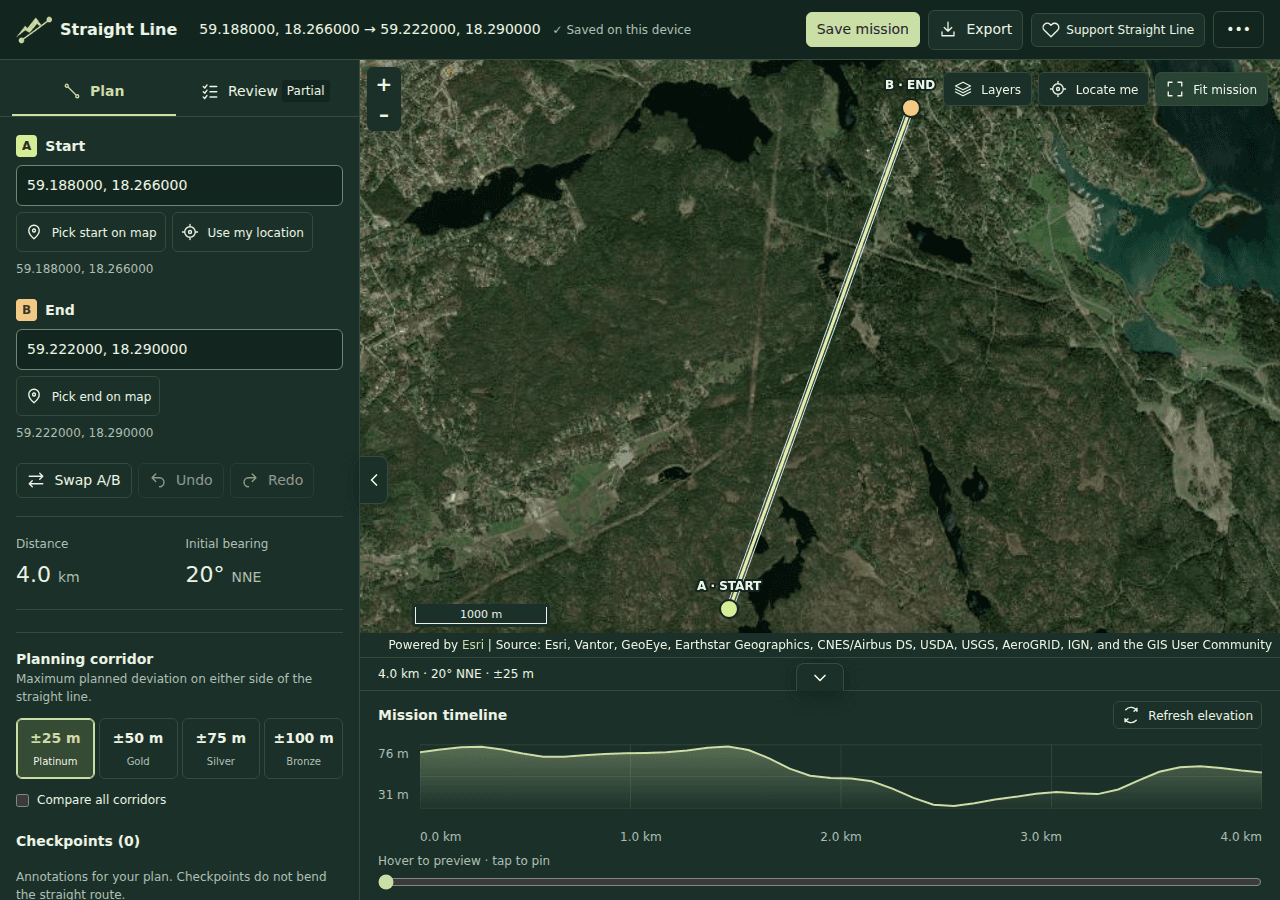
Draw a line between your start and finish
Pick endpoints on the map, enter coordinates or search for a place. The planner draws a fixed straight line reference rather than following roads or trails. Adjust the endpoints to compare candidate lines.
Review terrain and potential obstacles
Inspect the elevation profile and terrain layers. Review potential obstacles from OpenStreetMap and compare them with the available maps and imagery. You can hide obstacles or filter the review to focus on what matters to your plan.
Terrain is an estimate, and obstacle coverage can be incomplete. Obstacle analysis checks long lines progressively without a fixed finding-count cutoff. Detailed elevation is limited to 200 km; the line can still be planned and exported.
Add checkpoints and prepare your handoff
Add checkpoints, notes and review status as you investigate the line. Export a GPX track with waypoints to use in a compatible phone app or GPS. The phone export guide explains the handoff.
Save and share when you are ready
You can begin planning without signing in. Create an account to save missions. Share endpoint coordinates, or explicitly publish a mission with the checkpoints you choose to share. Saved missions start private.
Free to use
All current features are free. Optional donations support ongoing development; no feature requires a donation.
A planning aid, not access permission
A drawn line does not establish permission to cross land or a safe route. Check access, current conditions and the suitability of your equipment independently. Straight Line does not provide live navigation or reliable background location recording.
Learn how to plan a straight line mission, or open the planner to explore a line.